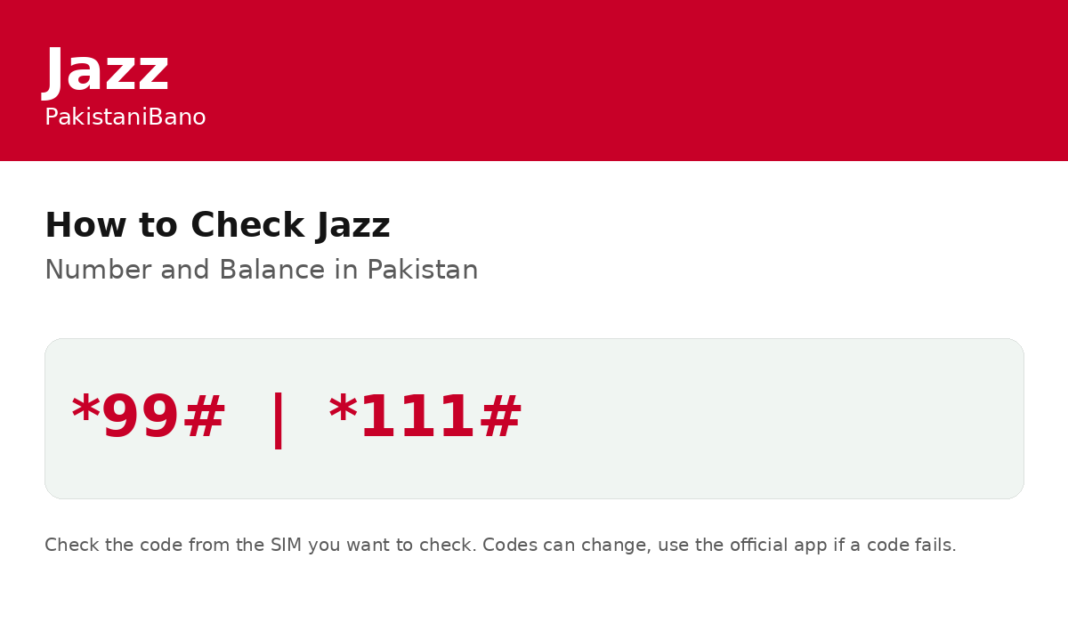

To check your Jazz balance in Pakistan, open your phone dial pad, type *111# and press call. Your remaining prepaid balance will appear on your screen. A small charge may apply, so the free alternative is the Jazz World app, where your balance shows on the dashboard. To check your Jazz number, dial *99# from your Jazz SIM and press call. Jazz lists *99# as Check Jazz Number on its own self service dial codes page, and it needs no internet. Your number will appear on screen. If a code does not respond, open the Jazz World app, where your number, balance, data and SMS details show in one place, or call the Jazz helpline on 111 from your Jazz number. You can also check how many SIMs are registered on your CNIC by following the SIMs on CNIC guide to see every number registered in your name.
Summary
| Check Jazz balance | Dial *111# |
| Check Jazz number | Dial *99# |
| Jazz helpline | Call 111 |
FAQ
How do I check my Jazz balance?
Dial *111# from your Jazz SIM, or use the Jazz World app for free.
How do I check my Jazz number?
Dial *99# from your Jazz SIM and press call.
What if the code does not work?
Use the Jazz World app or call 111, because operators can change codes without notice.