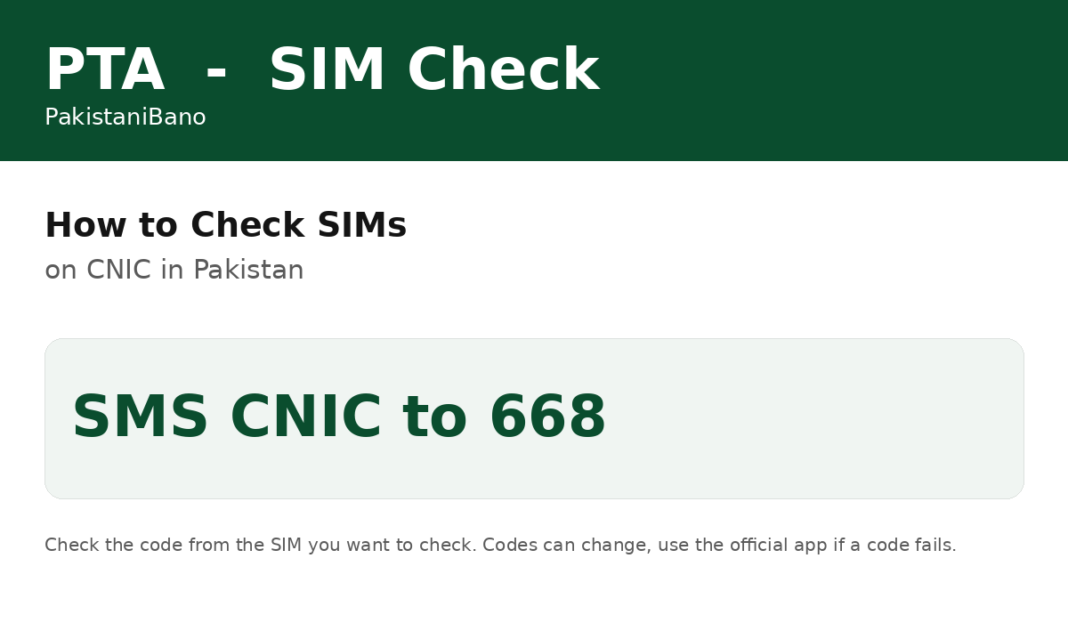

To check how many SIMs are registered on your CNIC in Pakistan, use only the official PTA methods, for your own CNIC only. Method 1, by SMS: open your messaging app, type your 13 digit CNIC number with no dashes or spaces, and send it to 668. PTA will reply with how many SIMs are registered on your CNIC, split by operator. A small SMS charge, around Rs 2 plus tax, may apply. Method 2, online: open cnic.sims.pk, enter your 13 digit CNIC number without dashes, complete the security check and press Submit. The result shows the total SIMs on your CNIC with each network. PTA limits SIMs per CNIC, and the limit most recently repeated by PTA in September 2026 is five voice SIMs across all operators. The 668 reply and the portal show the count of SIMs per network, not the full phone numbers. To find which numbers they are, visit the franchise of that operator with your CNIC. If you find a SIM in your name that you do not use, go to that operator’s franchise or customer service centre and ask them to block it, and report misuse to PTA on 0800-55055. Never share your CNIC number with a stranger, a website or an app that claims to show someone else’s SIM details, because no official PTA tool does that. The list shows numbers from every operator, so to identify one line you can look up your Zong number and match it with the entry on your CNIC.
Summary
| Check SIMs on CNIC by SMS | Send 13 digit CNIC, no dashes, to 668 |
| Check SIMs on CNIC online | Enter CNIC at cnic.sims.pk |
| What it shows | Count of SIMs per operator, not full numbers |
FAQ
How do I check SIMs on my CNIC?
Send your 13 digit CNIC without dashes to 668, or enter it at cnic.sims.pk.
Can I check someone else’s SIMs?
No. PTA tools check only your own CNIC, or the SIM in your hand.
What if I find an unknown SIM?
Ask that operator’s franchise to block it and report it to PTA.




[…] How to Check SIMs on CNIC in Pakistan […]
[…] How to Check SIMs on CNIC in Pakistan […]
[…] How to Check SIMs on CNIC in Pakistan […]
[…] How to Check SIMs on CNIC in Pakistan […]
[…] How to Check SIMs on CNIC in Pakistan […]